

❤全网独家首发❤
❤一机一码、一次购买、永久升级❤
❤同步官网最新版本,且保留历史版本❤
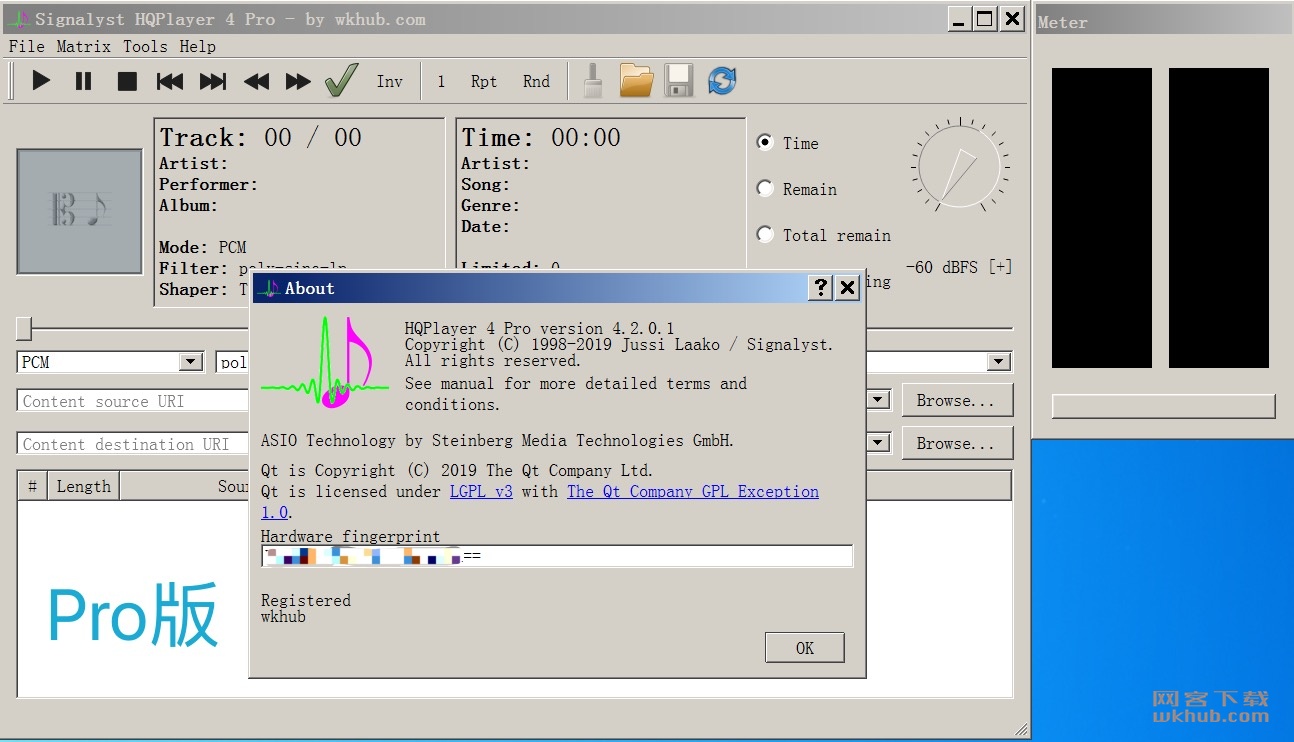
HQPlayer是一款高质量的音频播放器。具有多种可选择的高质量上采样和下采样算法,以及可选择的抖动,噪声整形和调制器算法。所有现代DAC都采用过采样和Δ-Σ调制,但硬件实现或多或少受资源限制。
通过利用现代PC中可用的大量处理能力,可以实现更高质量的过采样和delta-sigma调制。许多AVR也在内部重新采样到48,96或192 kHz,使用HQPlayer,这些可以以原始速率馈送。想要购买192/24或DXD文件,但目前只拥有支持96/24的硬件?或者想购买DSD128或DSD256文件,但目前只拥有支持DSD64或192/24 PCM的硬件?重采样和抖动/噪声整形器可用于在较低分辨率的硬件上播放高分辨率文件,从而可以在将来对高分辨率文件进行投资。对于数字房间校正和其他均衡目的,包括可选择的卷积算法。卷积引擎支持RIFF(WAV)格式FIR脉冲响应,可以使用合适的软件生成,例如Acourate,Room EQ Wizard或DRC。
网络音频适配器
网络音频特别适用于在平板电脑或其他无线设备上运行播放器时不受电缆限制。处理由播放器应用程序执行,然后处理后的数据通过网络异步流式传输到与DAC连接的非常轻量级的网络音频适配器。异步FIFO在处理和音频再现之间提供最大隔离。
支持的源格式:
- CDDA(音频CD)
- FLAC
- DSDIFF(DFF,未压缩的)
- DSF
- RIFF(WAV,包括DXD)
- AIFF
- RAW流
(彻底解决30分钟停止工作、切歌异常、推流异常等问题,享受完美体验;以下截图不会每个版本更新,下载链接都是最新版,请放心购买)
额外推出全新5.x,6.x中文版,全网首创!支持后续升级(可定制繁体;目前仅支持Win)
嵌入版在这里:点我去购买
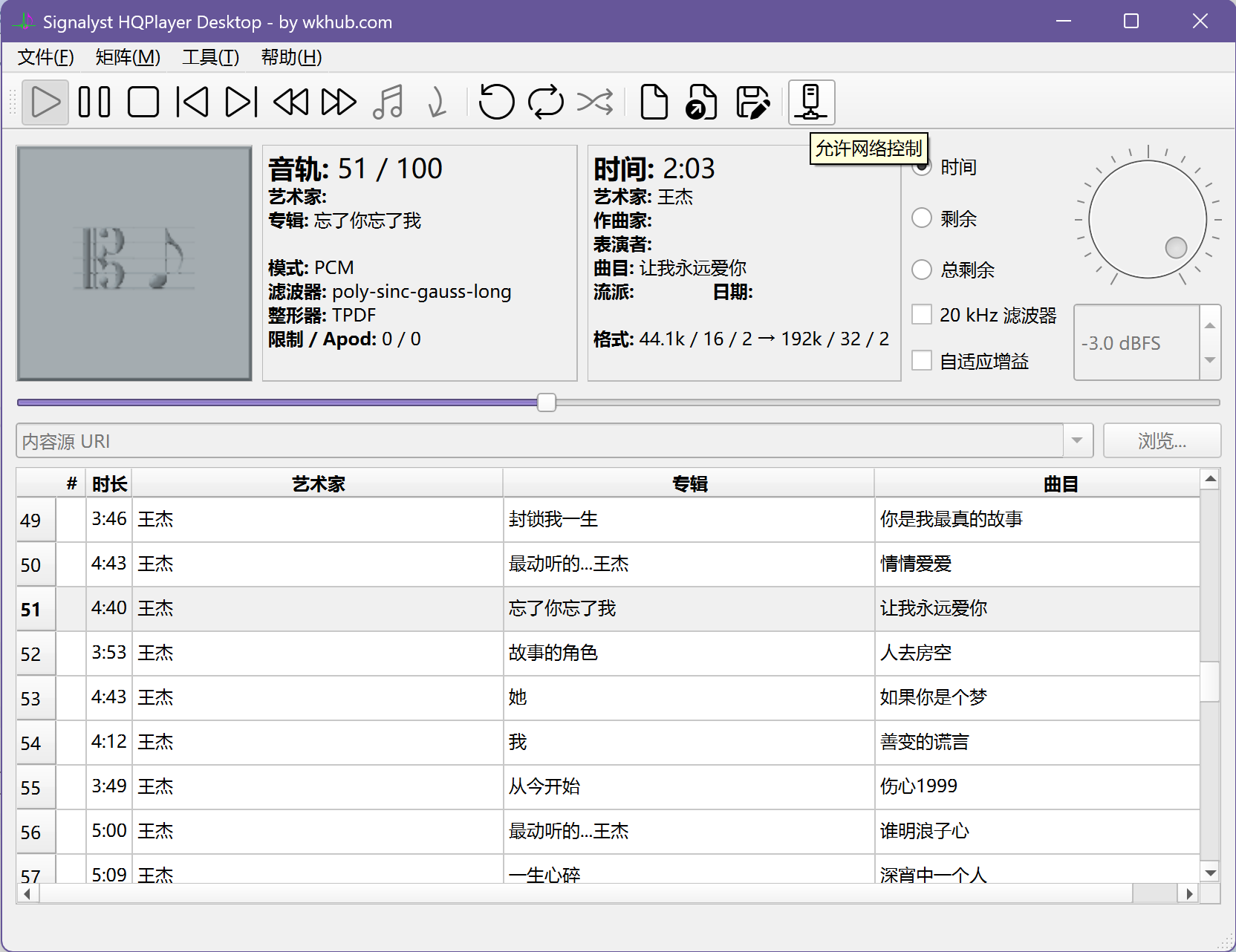
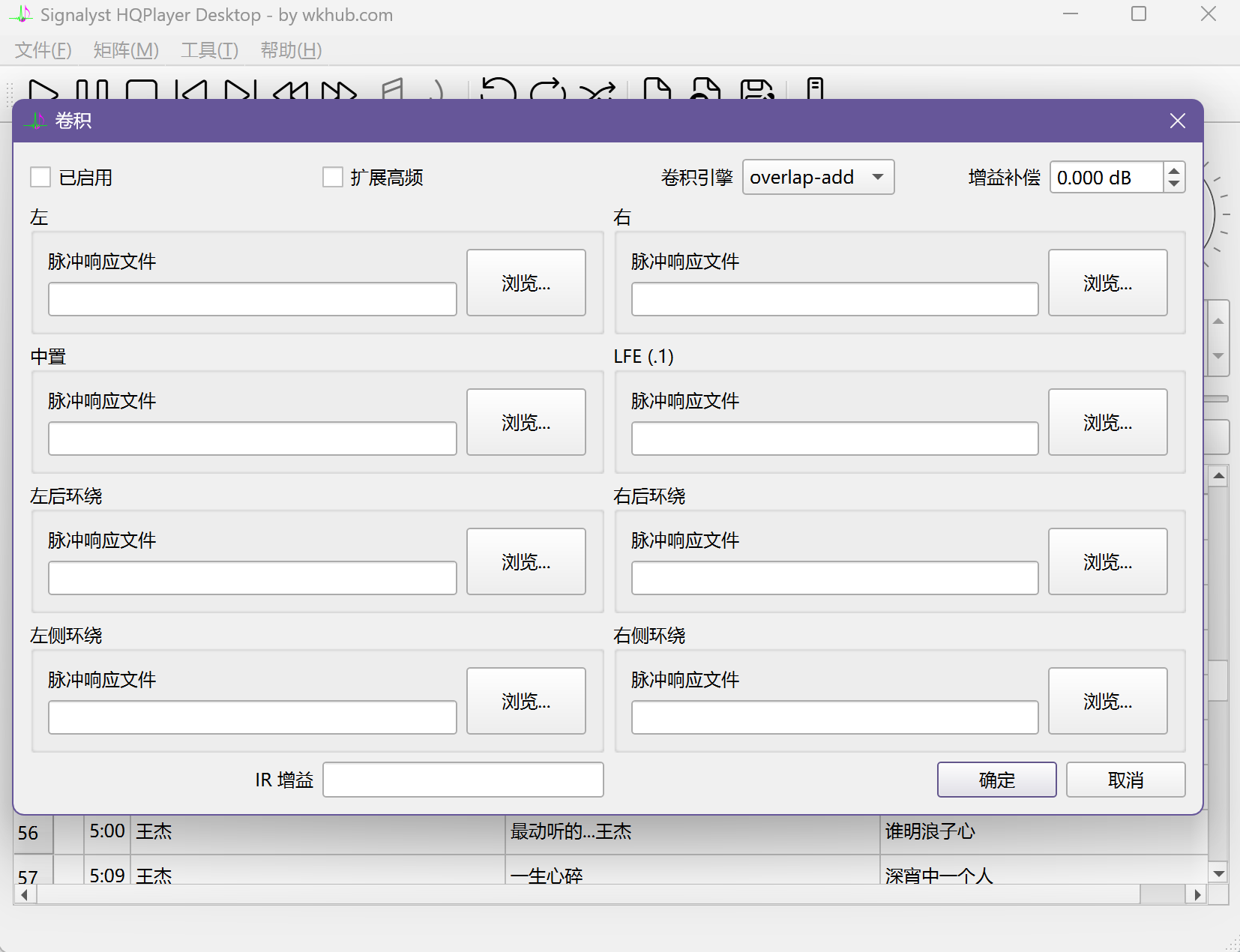
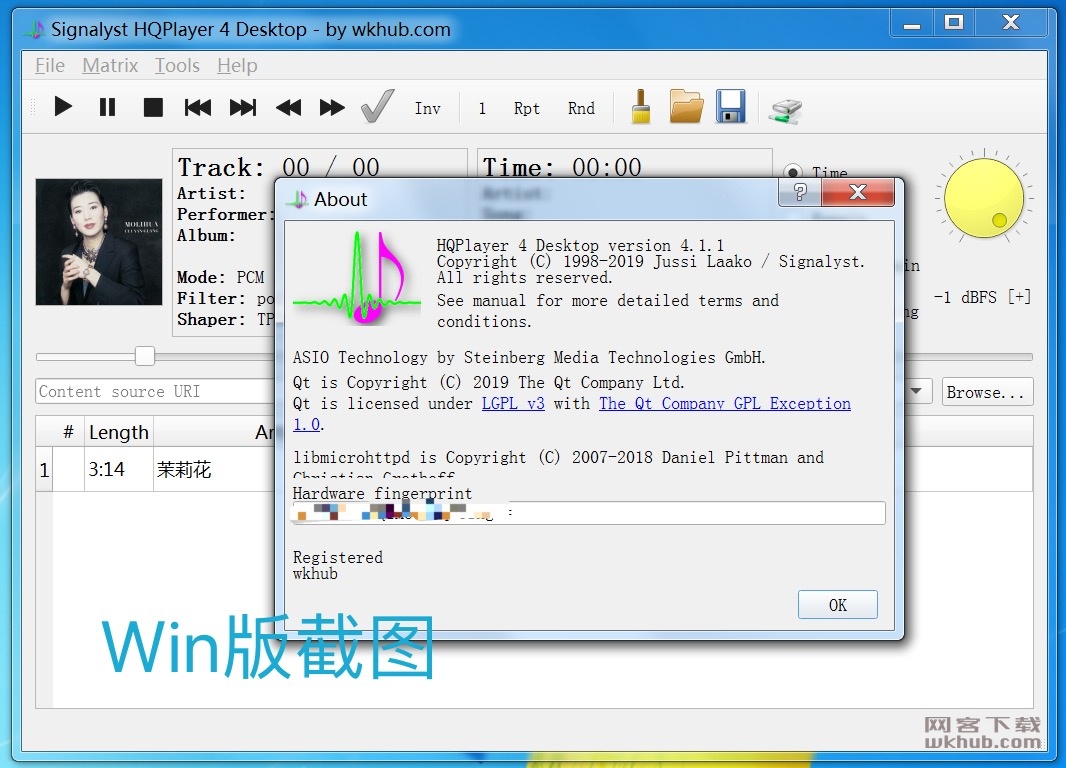
更多截图一览:
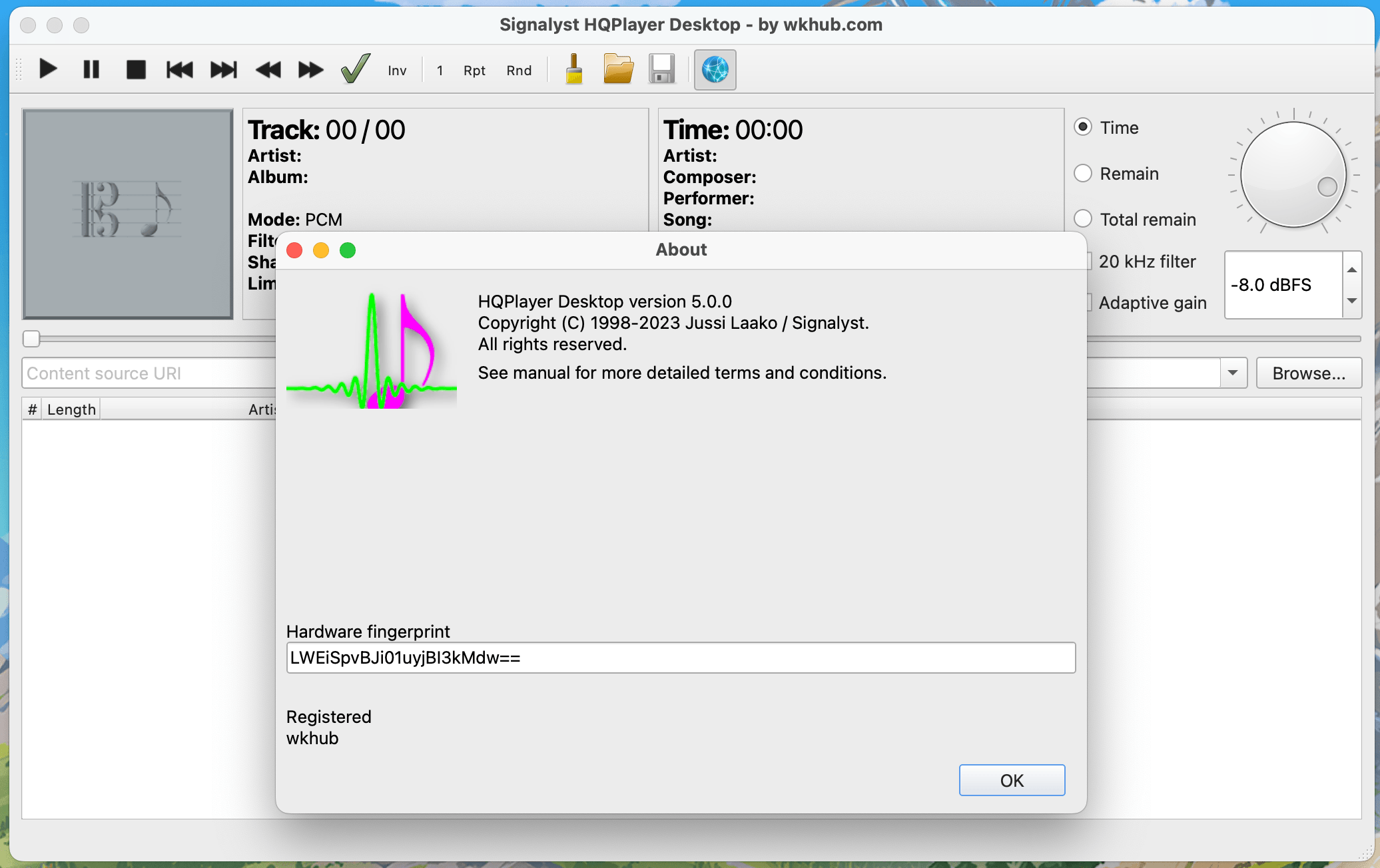
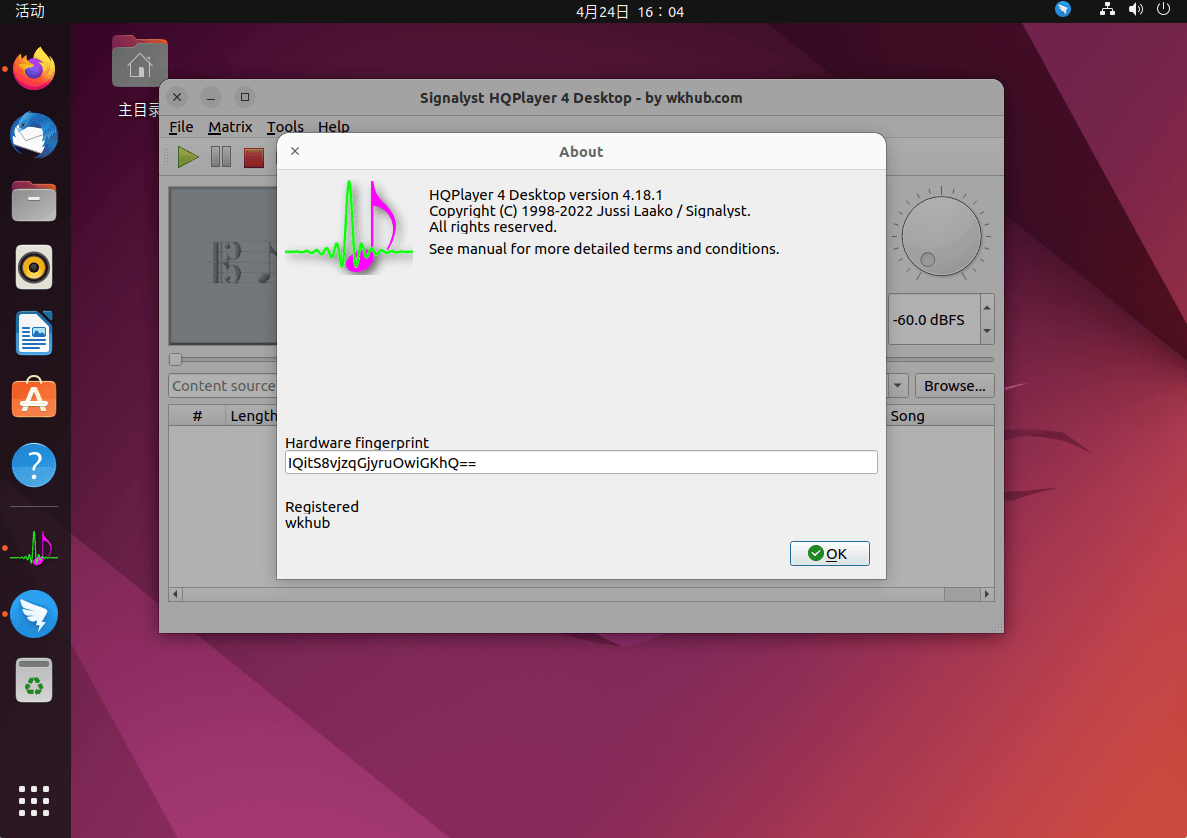
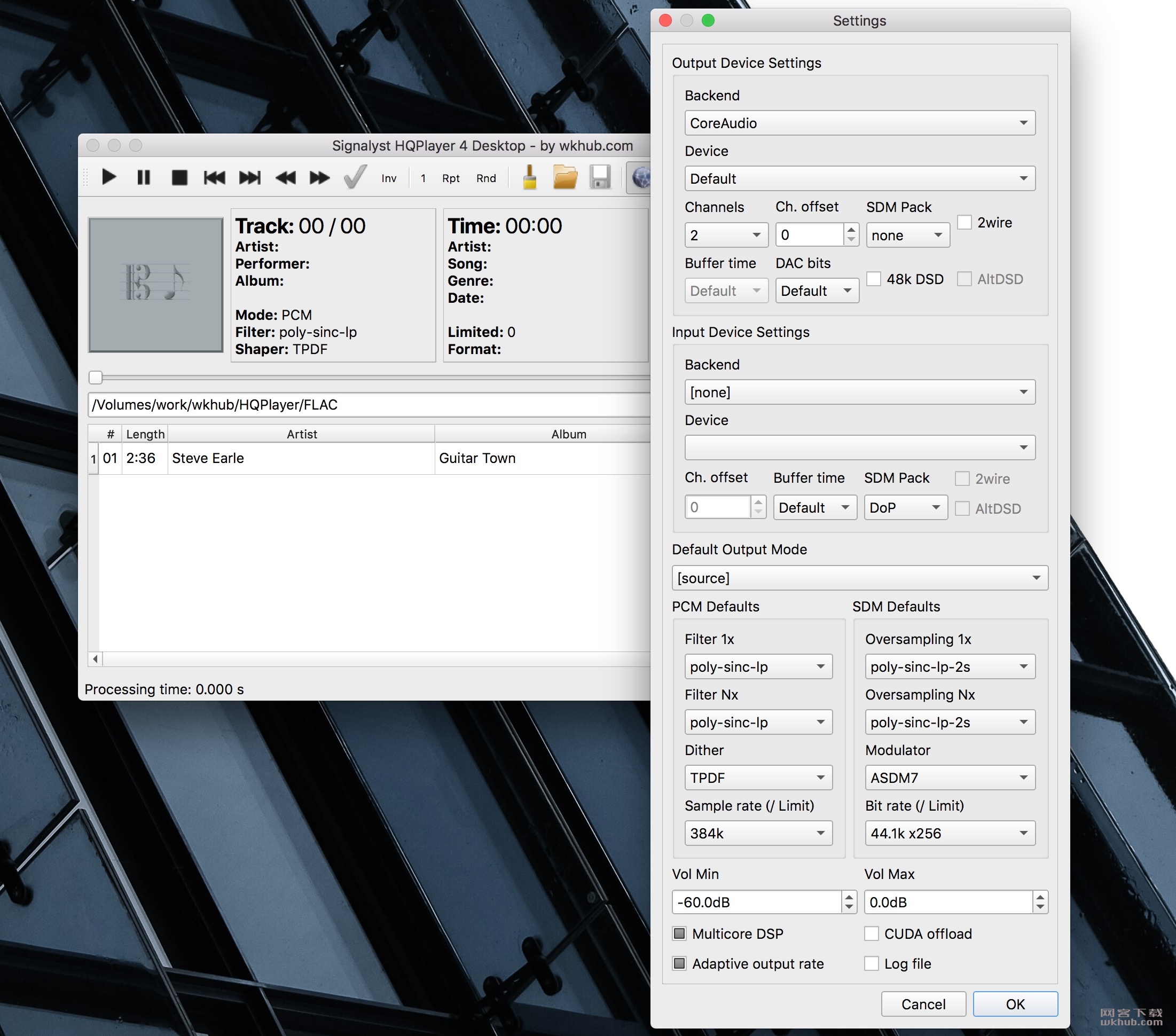
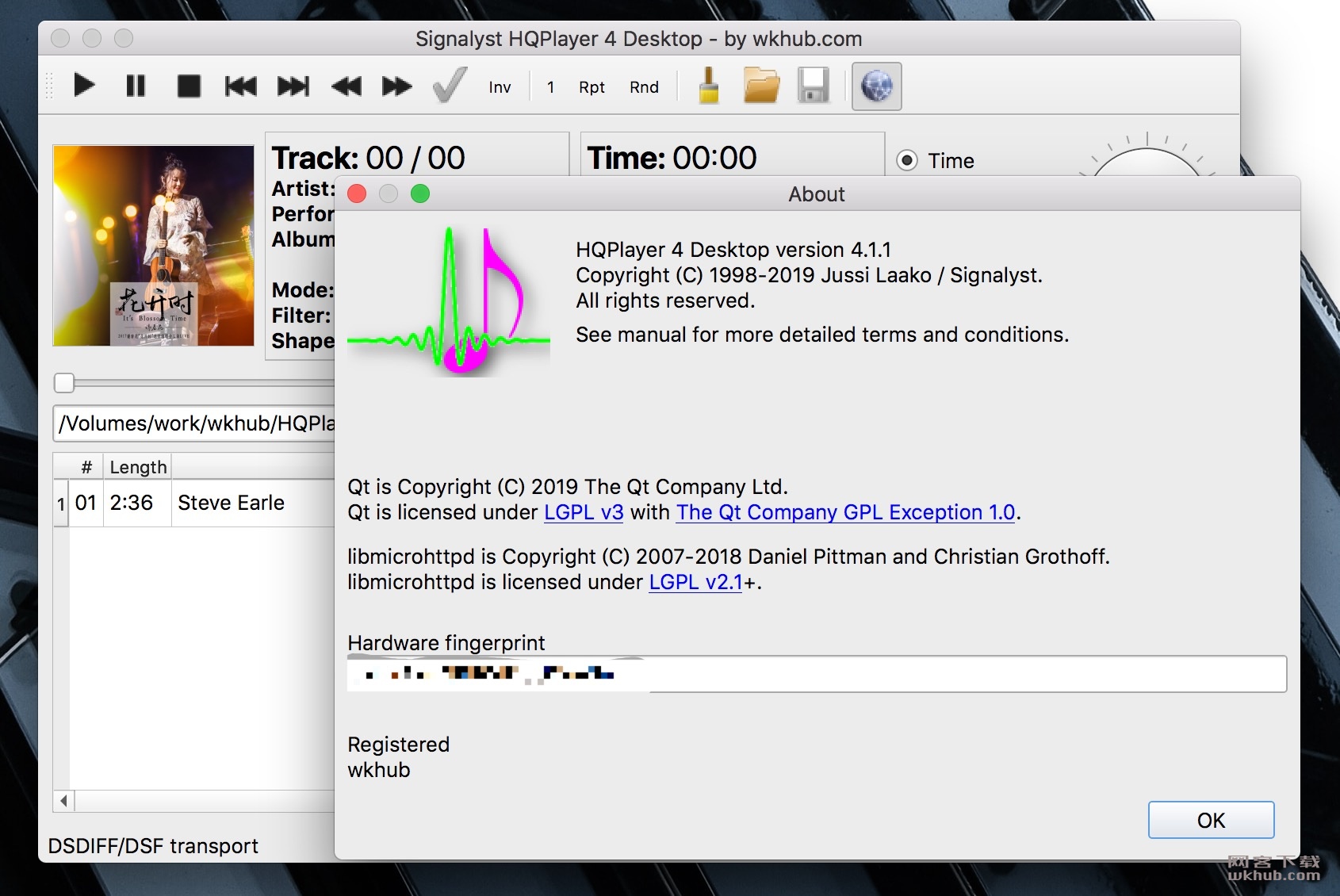
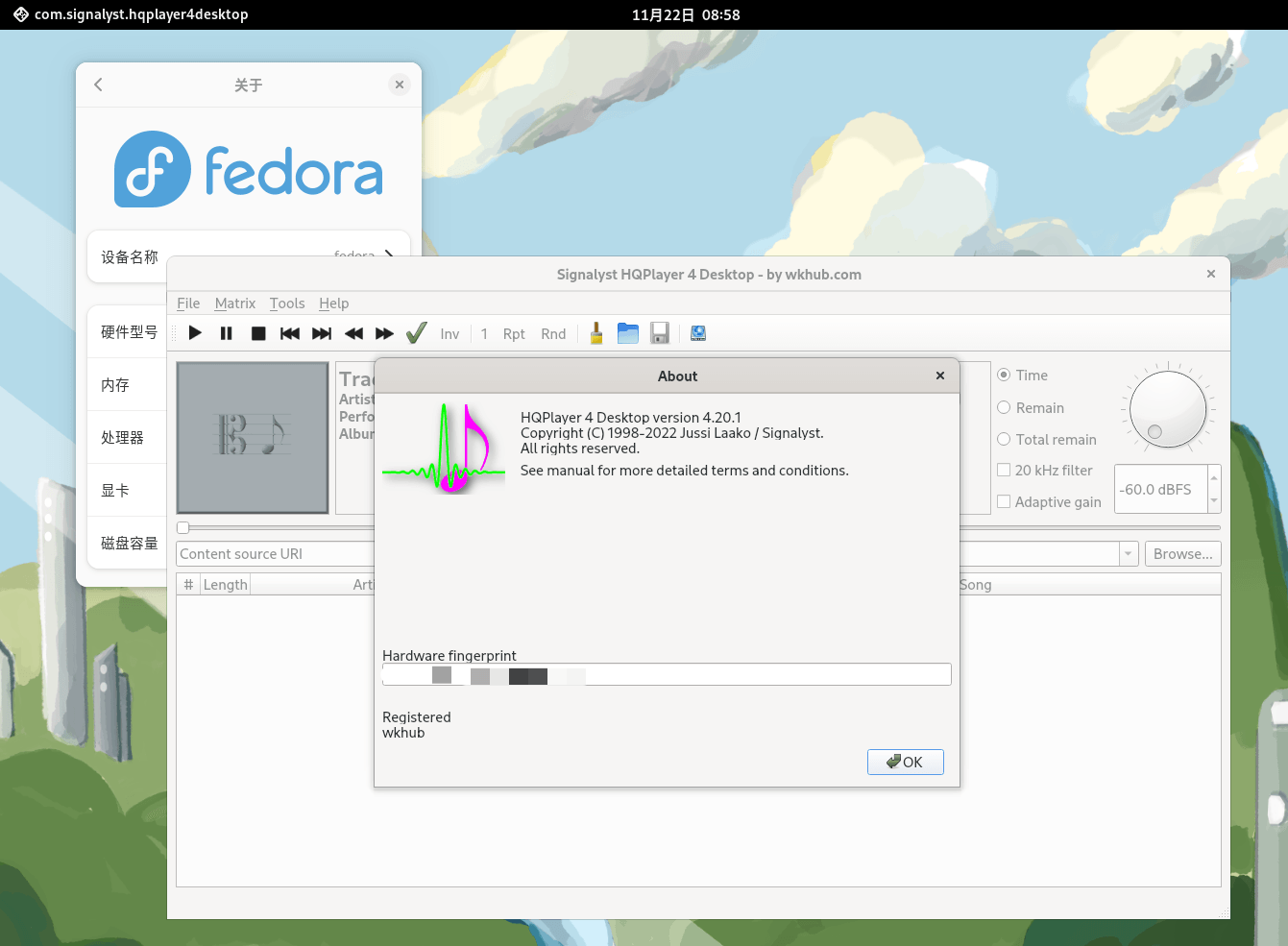
Windows、Mac(ARM)版也可直接登陆后购买。
Pro专业版及HQPlayer 5 Embedded嵌入版购买问题咨询,请加QQ群讨论:
一群:733308953(已满)
二群:905902274(可加)
申请入群备注“hq”;
也可邮件咨询:service@wkhub.com
DMG无法打开:如果遇到下载的dmg文件无法双击打开,请将后缀改为zip后再尝试打开。
APP提示(已损坏)无法运行:打开自带终端,运行修复命令:codesign -f -s - --deep --timestamp=none {app具体路径或者直接拖入app};修复命令2:sudo xattr -r -d com.apple.quarantine {app具体路径或者直接拖入app}
声明:本站所有文章,如无特殊说明或标注,均为本站原创发布。任何个人或组织,在未征得本站同意时,禁止复制、盗用、采集、发布本站内容到任何网站、书籍等各类媒体平台。如若本站内容侵犯了原著者的合法权益,可联系我们进行处理。


评论(391)
i have no sound with version 15
Try testing with the official trial version to see if the issue persists. If it does, we recommend rolling back to the previous version temporarily.
the file HQPlayer Desktop 5.15.0 (windows) doesn’t work, it shuts down by itself.
This is a bug in the official version — the original software also has this issue. You can either roll back to the previous version, or try the following fix:
Open File Explorer, enter %appdata% in the address bar, navigate up one level to the Local folder, find the HQPlayer directory, and rename both settings.xml and library.xml. Then restart the application to see if the issue is resolved.
is this regarding no sound or the program shutting down? Thanks.
It’s regarding the program shutting down.
i have no sound even with the original trial mode, something is broken on their end
5.15.0(Win) Users Experiencing No Audio or Crashes:
You may try updating your NVIDIA graphics drivers, as this has been reported by other customers to resolve the issue.
tried that didn’t work i have just gone back to 5.14
5.15.1 is live
wk version released.
Release notes for this official update are as follows:
Complete poly-sinc-ext2 group to match poly-sinc-gauss filters. Workaround for macOS Tahoe CoreAudio issue. Fix long initialization time in certain cases. CUDA offload requires Nvidia GPU driver version ≥580. On Windows, remember to uninstall previous HQPlayer versions before installing a new one!
1031-E5F3-A941-7BD8-DF92-665D-CBB8-38D9
请发邮件至service@wkhub.com,谢谢支持。
5.15.2 released
wk version released.
During the upgrade to version 5.15.2 for Windows, the installation process will clear ALL contents in the target folder. Please remember to BACK UP your license(wk_key.dat) file beforehand.
这次5.15.2 windows版升级覆盖安装时,会清空目标文件夹所有内容,请记得~~~备份授权(wk_key.dat)~~~~!!
5.15.2 has both English and Chinese included? No 30 minute limit? How do I get the wk_key.dat? Thanks.
Yes, you need to complete the purchase on the website first, and then follow the instructions.
Has anyone tested whether the cracked version supports streaming qobuz from HQPlayer Client and then pushing it to HQPlayer Desktop for playback?
My version functions exactly like the official release.
Could you please confirm if it will actually work? It’s a streaming media session, not a local session.
You just need to verify that the official version works properly.